
First, please make sure that you added your airline membership number correctly to your Halalbooking account. You can check this anytime by logging into your account and reviewing your loyalty details.
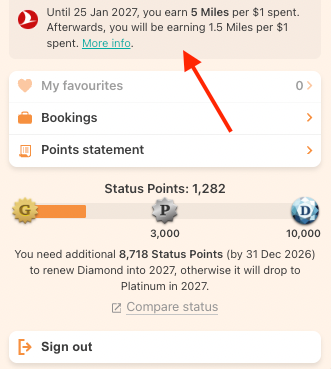
Next, please check your booking confirmation email. Your airline membership number and the number of miles expected to be earned should be clearly mentioned there. If this information is not shown, the miles may not be linked to that booking.
Please note that miles can only be earned for bookings made after you add your airline membership number to your Halalbooking account. Bookings made before adding your membership number will not be eligible for miles.
Miles are usually credited after your check-out date. In most cases this happens within about one week, but sometimes it may take up to one month, depending on the airline partner. We recommend that you regularly check your airline miles statement after your check-out date to see when the miles are credited.